Local SEO turns your commercial photography website into a lead-generating machine that dominates Google Maps and wins high-value corporate clients.
You've got the lighting kit, the camera bodies, and a portfolio that could land a Fortune 500 campaign. But if your website isn't showing up when a marketing director searches "commercial photographer in Chicago," you're invisible. The harsh truth is that most commercial photographers spend thousands on gear but almost nothing on their digital storefront.
Here's the reality: corporate clients don't scroll through Instagram to find photographers. They Google. They check Maps. They compare three or four options, and they hire the one that looks most established online. That means your website's performance, speed, and local relevance aren't just technical niceties—they're the difference between shooting for a local startup and landing a national brand.
In this guide, I'm going to walk you through the exact local SEO strategy I recommend for commercial photographers. We'll cover technical fixes that make your portfolio load faster, on-page optimization that tells Google exactly who you serve, and the local signals that push you to the top of Google Maps. Let's get your website working as hard as you do.
On-Page SEO & Metadata for Portfolio Pages
Your portfolio pages are your money pages. Each one needs to be optimized for a specific service and location combination. A page titled "Portfolio" tells Google nothing. A page titled "Commercial Food Photography in Austin, TX" tells Google everything it needs to know.
Start with your title tags and meta descriptions. Every portfolio page should have a unique title tag under 60 characters that includes your primary keyword and location. The meta description—the snippet that appears under your link—should be under 155 characters and include a compelling reason to click. "Award-winning commercial photographer specializing in beverage and product photography for brands across Texas" beats "Photographer available for hire" every single time.
Your URL structure matters too. Keep it clean and descriptive: yoursite.com/commercial-food-photography/austin is better than yoursite.com/portfolio/page-4. And don't forget your header tags. Use one H1 per page that matches your primary keyword, then organize supporting content under H2s and H3s. For a deep dive into structuring your photography pages, check out this comprehensive guide on SEO for photography websites.
Technical SEO: Core Web Vitals and Fixing CLS on Galleries
Google's ranking algorithm heavily weighs user experience signals called Core Web Vitals. For photographers, the biggest culprit is Cumulative Layout Shift (CLS)—that annoying jump when images load and push content down. If a potential client tries to click your contact button and it moves at the last second, they bounce. Google notices.
The fix starts with specifying width and height attributes on every image. When the browser knows the dimensions in advance, it reserves the space and prevents layout shifts. I also recommend setting explicit aspect ratios on your gallery containers. If you're using a grid layout, make sure each cell has a defined size rather than letting images dictate the layout as they load.
Page speed is equally critical. Commercial clients are busy people on fast connections—they won't wait five seconds for your site to load. Compress every image before uploading. Use lazy loading so off-screen images don't slow down initial page render. And consider a content delivery network (CDN) to serve your images from servers closer to your visitors. For a thorough breakdown of CLS and how it impacts photography websites, I wrote a piece on why CLS matters for photographers and how to fix it—the principles apply equally to commercial work.
Generative Engine Optimization (GEO): Getting Cited by AI Search Engines
More corporate decision-makers are using AI-powered search tools to research vendors. When someone asks ChatGPT "recommend a commercial photographer for a packaging shoot in Seattle," your business needs to be in that answer. This is Generative Engine Optimization (GEO), and it's becoming as important as traditional SEO.
The key is creating content that AI systems can easily parse and cite. Write clear, factual answers to common client questions on your website. Create a dedicated FAQ page addressing things like "What does commercial photography cost?" and "How far in advance should we book a commercial shoot?" Structure your service pages with concise summaries that an AI can quote directly.
Also, publish regularly. AI search engines favor sources that demonstrate authority through consistent, updated content. A blog post about your recent work for a local brewery, written with specific details and industry terminology, gives these systems a reason to reference you. For more on this topic, I covered how photographers get cited in AI search results in a previous post—the strategies translate directly to commercial photography.
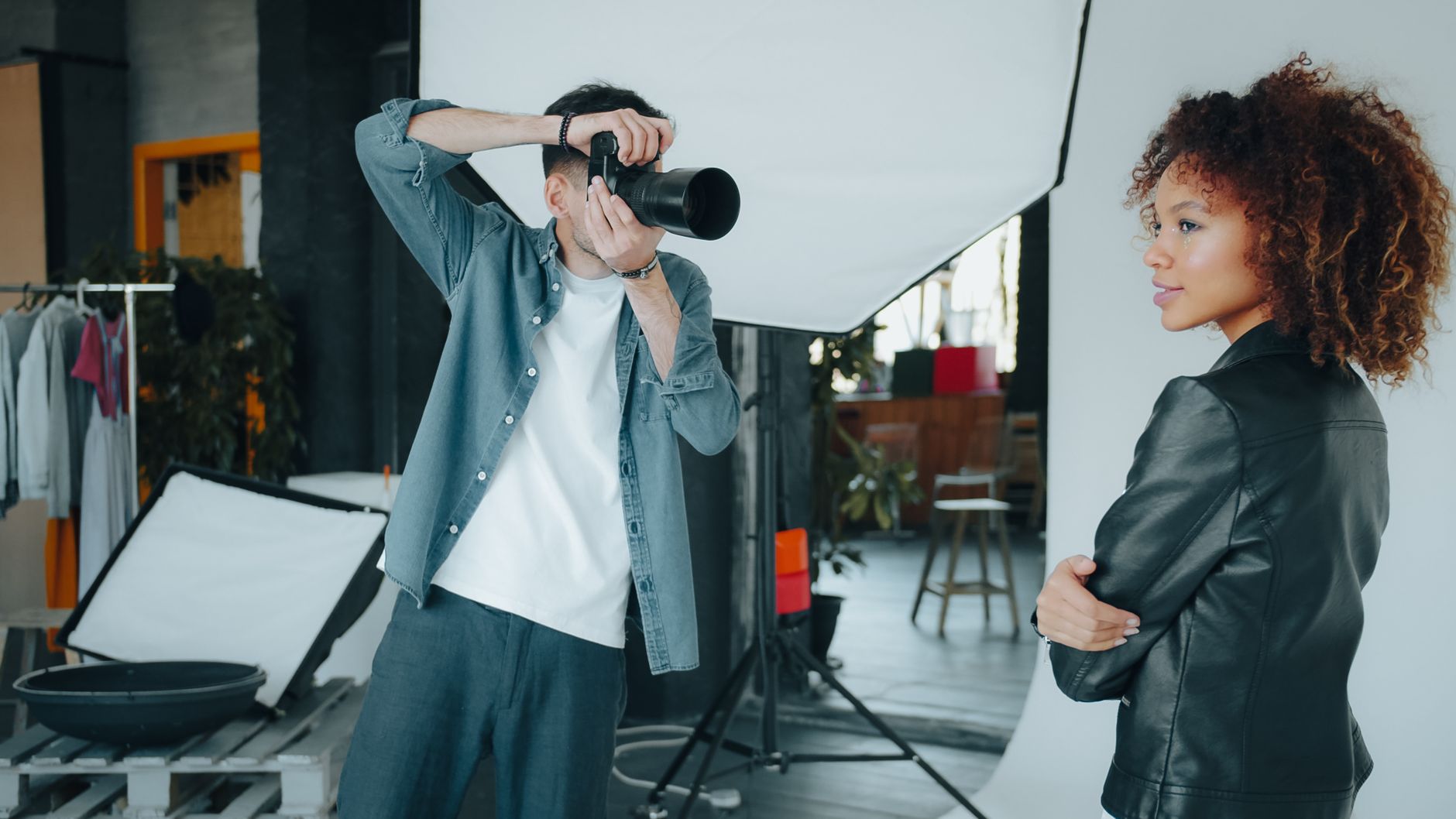
🚀 Want these blog posts written for you?
At The Photographers' Blogger, we write and publish SEO-optimized blog content directly to your photography website — so you can focus on shooting. Learn more →
Image SEO: WebP, Compression, Sitemaps, and Schema
Your images are your product, but they're also your biggest technical liability. High-resolution files slow down your site and confuse search engines if not handled correctly. The solution is a three-part approach: format, compression, and structured data.
First, convert your images to WebP format. WebP files are significantly smaller than JPEGs or PNGs while maintaining comparable visual quality. Most modern website builders and image plugins handle this conversion automatically. If you're manually uploading, use a tool like Squoosh or your editing software's export settings to save as WebP.
Second, compress every image. Target under 200KB for portfolio thumbnails and under 500KB for full-size viewing. You'd be surprised how little quality you lose at these sizes. Also, create an image sitemap that lists all your portfolio images with their captions and alt text. This helps Google Images index your work, which is another entry point for potential clients.
Third, implement Schema.org structured data. This is code that helps search engines understand your content. For photographers, the Photograph schema and ProfessionalService schema are particularly valuable. They can generate rich snippets in search results, showing star ratings, pricing, and availability right on the search page. My guide on image SEO for branding photographers covers the technical details in more depth.
Local SEO: Google Business Profile and Geo-Targeted Keywords
Your Google Business Profile is the single most important local SEO asset you own. It's what appears in the map pack at the top of search results, and it's where commercial clients go to verify your legitimacy. If you haven't claimed and fully optimized your profile, stop reading and do that right now.
Fill out every field completely. Your business category should be "Photographer" or "Commercial Photographer." Add your service area, business hours, phone number, and website URL. Upload recent portfolio images and update them monthly. Ask every satisfied client to leave a review—Google heavily weights review quantity and recency in local rankings.
For geo-targeted keywords, think about how your clients search. They might type "commercial photographer near me" or "product photography studio in Denver." Include your city and surrounding areas naturally in your page titles, headers, and body copy. Create separate landing pages for each major city you serve. If you shoot across the state, consider pages for each region. For a broader look at ranking your photography website locally, this 2026 SEO playbook for photographers has excellent tactical advice.
Don't overlook local citations. Ensure your business name, address, and phone number are consistent across directories like Yelp, Houzz, and industry-specific listings. Inconsistent information confuses Google and hurts your local rankings. Also, get featured in local business publications or sponsor a local event—the backlinks and brand mentions reinforce your local authority.
Actionable Local SEO Checklist for Commercial Photographers
Here's your step-by-step plan. Work through this list over the next two weeks, and you'll see measurable improvements in your local search visibility.
- Claim and optimize your Google Business Profile. Complete every field, add photos, and set your service area.
- Request reviews from your last 10 clients. Send a personal email with a direct link to your Google review page.
- Audit your website speed. Run your homepage through Google PageSpeed Insights and fix any issues flagged as "poor."
- Convert your portfolio images to WebP. Use a plugin if you're on WordPress, or batch-convert manually.
- Add width and height attributes to every image. This instantly fixes most CLS issues.
- Create a dedicated landing page for your primary service and city. Optimize the title tag, meta description, and H1.
- Write a FAQ page answering common client questions. This improves your GEO visibility and helps AI search engines cite you.
- Build an image sitemap. Submit it through Google Search Console.
- Check your NAP consistency. Ensure your name, address, and phone number match across all directories.
- Publish one blog post this week. Write about a recent project, a client success story, or an industry trend. This keeps your site fresh and gives Google a reason to crawl.
If you're struggling to come up with content ideas, I've compiled a list of 20 blog topics for commercial photographers that drive traffic. And for ongoing inspiration, my 21 content ideas every commercial photographer should try will keep your editorial calendar full for months.
Conclusion
Local SEO isn't a one-time project—it's an ongoing commitment. Google constantly updates its algorithms, your competitors are improving their websites, and client search behaviors evolve. But the fundamentals I've outlined here—fast loading times, optimized portfolio pages, a complete Google Business Profile, and consistent local content—will keep you competitive for years.
Start with the checklist. Pick the three items that will have the biggest immediate impact and tackle them this week. Then move through the rest systematically. In my experience, photographers who invest two hours a week in their SEO see meaningful ranking improvements within 60 to 90 days.
Your portfolio proves you're a talented commercial photographer. Now let your website prove you're the professional choice in your market.
Ready to Automate Your Photography Blog?
Join hundreds of photographers who trust The Photographers' Blogger to keep their blog fresh, SEO-optimized, and publishing on autopilot.
See Plans & PricingFrequently Asked Questions
How long does it take to rank on Google Maps as a commercial photographer?
With a fully optimized Google Business Profile and consistent local signals, you can see meaningful movement in the map pack within 4 to 8 weeks. However, competing in a dense market like New York or Los Angeles may take 3 to 6 months of consistent effort, including regular reviews and content publication.
Should I create separate pages for each city I serve?
Yes, but only if you genuinely serve those areas. Create a dedicated landing page for each city with unique content—don't just swap the city name on identical pages. Include local references, testimonials from clients in that area, and specific services you offer there. Thin, duplicate content can hurt your rankings.
Do I need a blog for local SEO if I'm a commercial photographer?
Absolutely. A blog gives you a reason to publish fresh content regularly, which signals to Google that your site is active. It also lets you target long-tail keywords like "packaging photography for beverage brands in Portland" that your portfolio pages might not cover. Blogging also feeds your GEO strategy by giving AI search engines more content to cite.
How often should I update my Google Business Profile?

At minimum, update your photos monthly and post an update weekly. Google rewards active profiles with better visibility. Share behind-the-scenes shots, recent project highlights, or industry insights. Also, respond to every review—positive or negative—within 48 hours. This engagement signals to Google that you're a legitimate, active business.