On-page SEO for branding photographers is about making every portfolio page, case study, and blog post impossible for search engines to ignore. When done right, your website becomes a lead-generation machine that attracts corporate clients while you sleep.
Here's the reality: branding photography is a competitive niche. Companies searching for "personal branding photographer" or "corporate headshot photographer near me" have dozens of options. The photographers who win those clicks aren't always the most talented — they're the ones whose websites Google understands and trusts.
The good news? You don't need to become a coding expert or hire a $500/hour technical consultant. You need a practical, repeatable system for optimizing your site's content, images, and technical foundation. That's exactly what this guide delivers.
Let's walk through the exact on-page SEO strategies that work for image-heavy photography websites in 2026 — no fluff, no jargon, just actionable steps you can implement this week.
On-Page SEO & Metadata Optimization for Portfolio Pages
Your portfolio is your most valuable sales tool, but if Google can't figure out what each gallery is about, those stunning images might as well be invisible. Metadata is how you translate your visual work into language search engines understand.
Start with your title tags. Each portfolio page needs a unique, descriptive title that includes your primary keyword and your location. Instead of "Portfolio," try "Corporate Branding Photography in Austin, TX | Your Name." Keep it under 60 characters so it doesn't get truncated in search results.
Meta descriptions matter less for rankings but hugely for click-through rates. Write compelling 150-160 character summaries that tell potential clients exactly what they'll see. Mention the types of brands you've worked with, the industries you serve, or the specific outcomes your photography helped achieve.
Here's a mistake I see constantly: photographers using the same metadata for every gallery page. Each page on your site — your food photography portfolio, your executive headshot gallery, your lifestyle brand work — needs its own unique title and description. Duplicate metadata confuses search engines and dilutes your relevance for specific search queries.
For a deeper dive into structuring your photography website for search visibility, check out this comprehensive 2026 photography SEO guide from Framekit that breaks down the entire process step by step.
Technical SEO: Core Web Vitals and Fixing CLS on Portfolio Galleries
Technical SEO isn't glamorous, but it's the foundation everything else stands on. Google's Core Web Vitals measure three things: loading speed, interactivity, and visual stability. For photographers, the third one — Cumulative Layout Shift (CLS) — is often the biggest problem.
Here's what happens: your portfolio gallery loads, and images don't have defined dimensions. As each photo loads, the page shifts, pushing text and buttons around. Google measures this as poor user experience, and your rankings suffer. This is especially common on uncropped gallery grids where images have varying aspect ratios.
The fix is straightforward. Every image on your site needs explicit width and height attributes in the HTML. If you're using a platform like Squarespace or ShowIt, this is handled automatically. If you're on WordPress with a custom theme, you might need to add dimensions to your image tags or use a plugin that does it for you.
Another CLS culprit? Web fonts. When your site loads a custom font, the browser initially renders text with a fallback font, then swaps when the custom font arrives. This causes layout shifts. Use the font-display: swap CSS property or self-host your fonts to minimize this impact.
I wrote an entire breakdown on why CLS matters and how to fix it for another photography niche, but the principles apply identically to branding photography portfolios. The short version: test your site with Google's PageSpeed Insights, fix the specific issues it flags, and re-test until you hit green scores.
Page speed deserves its own mention. Large, unoptimized images are the #1 reason photography websites load slowly. Compress every image without visible quality loss, use modern formats like WebP, and consider a content delivery network (CDN) to serve images from servers closer to your visitors.

🚀 Want these blog posts written for you?
At The Photographers' Blogger, we write and publish SEO-optimized blog content directly to your photography website — so you can focus on shooting. Learn more →
Generative Engine Optimization (GEO): Getting Cited by AI Search Tools
Here's a shift that's changing how clients find photographers. More people are asking ChatGPT, Claude, and Perplexity for recommendations instead of scrolling through Google results. If your website isn't structured for these AI tools to understand and cite, you're missing a growing slice of referral traffic.
Generative Engine Optimization (GEO) is the practice of making your content easily digestible for AI systems. These tools pull information from websites they trust — sites with clear structure, authoritative content, and consistent information.
How do you optimize for GEO as a branding photographer? First, answer questions directly. When a potential client asks an AI tool "who is the best branding photographer in Chicago?", the AI looks for websites that explicitly state their services, location, and expertise. Make sure your homepage and about page clearly say what you do, where you work, and who you serve.
Second, publish comprehensive FAQ content. AI tools love pulling from pages that answer specific questions in straightforward language. Create a page or blog post answering common client questions like "How much does a personal branding photoshoot cost?" or "What should I wear for corporate headshots?" — then answer them clearly and concisely.
Third, earn mentions and backlinks from authoritative sources. AI tools prioritize content from domains they trust. Being featured in industry roundups, local business publications, or photography resource guides signals credibility. This is one reason why consistent, high-quality blogging matters — it gives other sites a reason to reference you.
For a deeper look at how this works in practice, I recommend this 2026 SEO playbook for photographers from ImageSEO, which covers GEO alongside traditional ranking tactics.
Image SEO: Formats, Compression, and Structured Data
Your images are your product, but search engines can't see them the way humans do. Image SEO bridges that gap, helping your photos appear in Google Images and driving qualified traffic to your site.
Start with file formats. WebP is the gold standard in 2026 — it offers excellent quality at significantly smaller file sizes than JPEG or PNG. Most modern platforms and browsers support it. If your site doesn't automatically convert images to WebP, use a compression tool or plugin that does.
Compression is non-negotiable. A single 5MB image can slow your entire page. Aim for images under 500KB wherever possible. Tools like Squoosh or ShortPixel can dramatically reduce file sizes without visible quality loss. I've seen photographers cut their page load time in half just by compressing existing images.
Alt text is your secret weapon. Every image needs descriptive, keyword-rich alt text that explains what's in the photo. Instead of "IMG_4521.jpg," use "female entrepreneur personal branding photoshoot in modern office setting." This helps Google understand your images and improves accessibility for visually impaired users.
Image sitemaps are another piece of the puzzle. A dedicated image sitemap tells Google about all the images on your site, including ones that might not be easily discoverable through normal crawling. Most SEO plugins for WordPress generate these automatically.
Structured data takes things further. Schema.org markup — specifically ImageObject and Photograph schemas — helps search engines display your images as rich results with additional context. If you're technically inclined, adding this markup gives you a competitive edge. If not, platforms like Squarespace handle basic structured data automatically.
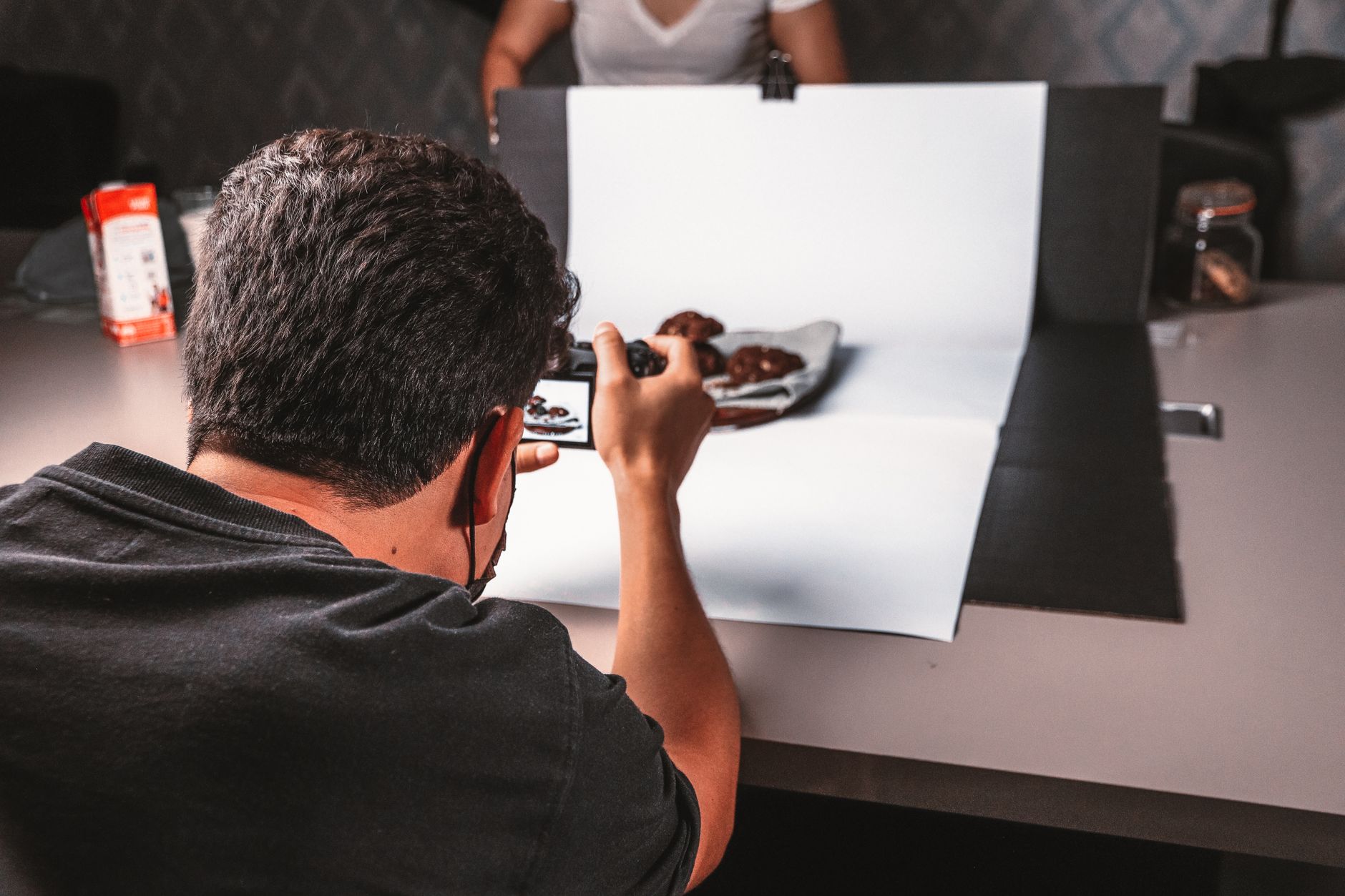
For a complete walkthrough of image optimization tailored to photographers, read my guide on image SEO for branding photographers covering alt text, compression, and Google Images.
Local SEO: Google Business Profile and Geo-Targeted Keywords
Branding photography is often a local service. Corporate clients want someone they can meet in person, shoot on location, and build a working relationship with. That makes local SEO essential for your business.
Your Google Business Profile is the foundation. If you haven't claimed and optimized yours, stop everything and do that now. Use high-quality photos of your work, write a detailed description that mentions your services and service area, and collect reviews from every happy client. Respond to those reviews — Google notices engagement.
Local citations matter too. Ensure your business name, address, and phone number are consistent across directories like Yelp, Thumbtack, and industry-specific photography directories. Inconsistent information confuses Google and hurts your local rankings.
Geo-targeted keywords should appear throughout your content. Don't just target "branding photographer" — target "branding photographer in Denver" or "corporate headshot photographer serving the Bay Area." Include your location in your title tags, headings, and body content naturally. Check out my detailed strategy for dominating Google Maps as a commercial photographer — the tactics apply directly to branding work.
Content creation supports local SEO too. Write blog posts about local businesses you've photographed, local trends in branding, or tips for companies in your city. This signals to Google that you're an active, relevant part of your local business community.
Actionable On-Page SEO Checklist for Branding Photographers
Here's your implementation checklist. Work through these items in order, and you'll have a technically sound, search-visible website by the end of the month.
Metadata and Content
- Write unique title tags (under 60 characters) for every portfolio page, service page, and blog post
- Create compelling meta descriptions (150-160 characters) that include your target keywords
- Ensure every page has one clear H1 heading that describes the page content
- Use descriptive H2 and H3 subheadings throughout your content
- Include your primary keyword in the first 100 words of each page
- Add location-specific keywords to your homepage and service pages
Technical Fixes
- Run Google PageSpeed Insights and fix any flagged issues
- Add width and height attributes to all images to prevent CLS
- Test your site on mobile devices — most corporate clients will browse on phones
- Ensure your site uses HTTPS
- Set up Google Search Console and submit your sitemap
Image Optimization
- Convert all images to WebP format
- Compress every image to under 500KB where possible
- Write descriptive, keyword-rich alt text for every photo
- Create and submit an image sitemap
- Add structured data markup to your portfolio pages
Local and GEO

- Claim and fully optimize your Google Business Profile
- Ensure consistent NAP (name, address, phone) across all directories
- Publish at least one blog post per week targeting client questions
- Create an FAQ page that directly answers common client queries
- Earn backlinks from local business and industry publications
If you're struggling with consistent content creation, you might find my list of 31 engaging blog ideas for branding photographers helpful for planning your editorial calendar.
Frequently Asked Questions
Frequently Asked Questions
How often should I update my branding photography website for SEO?
Google rewards fresh content, but that doesn't mean redesigning your site monthly. Update your portfolio as you complete new shoots, publish a blog post weekly or bi-weekly, and refresh your service pages annually. Consistency matters more than frequency — one quality post per week beats five rushed posts per month. For a full breakdown of what to prioritize, the complete SEO growth guide from SEOAuthori offers excellent long-term strategies.
Should I hide my full-resolution portfolio images to prevent theft?
No. Hiding or heavily watermarking your images hurts user experience and makes it harder for clients to appreciate your work. Instead, display optimized WebP images at reasonable dimensions, disable right-click saving if you're concerned, and rely on your contract to protect against unauthorized commercial use. Google actually penalizes sites that block image access, so keep your galleries open and optimized.
Can I rank for "branding photographer" without a blog?
Technically yes, but realistically no. A portfolio-only website gives Google very little content to index and rank. Blogging provides the textual content, internal linking opportunities, and fresh updates that signal relevance. If you hate writing, consider outsourcing blog content or using a service like The Photographers' Blogger — but don't skip content creation entirely if you want sustainable organic traffic.
How long until I see results from on-page SEO?
Expect 3-6 months before meaningful movement in search rankings. Google needs time to crawl, index, and evaluate your changes. Technical fixes like CLS improvements and image compression can show results faster — sometimes within weeks — but competitive keywords take longer. Stay consistent, track your progress in Google Search Console, and adjust your strategy based on what's working.
On-page SEO isn't a one-time project. It's an ongoing practice that compounds over time. Every optimized page, every compressed image, every well-structured blog post builds authority that makes your website increasingly visible to the corporate clients you want to attract.
Start with the technical fixes — they're the quickest wins. Then move to content creation and metadata optimization. Finally, layer in local SEO and GEO strategies to capture clients across every search channel. Within six months of consistent effort, you'll see your website transform from a digital portfolio into a lead-generation asset.
The photographers who treat SEO as a core business function — not an afterthought — are the ones who'll be booked solid while their competitors rely on referrals alone. Make that investment now, and your future self will thank you.
Ready to Automate Your Photography Blog?

Join hundreds of photographers who trust The Photographers' Blogger to keep their blog fresh, SEO-optimized, and publishing on autopilot.
See Plans & Pricing